
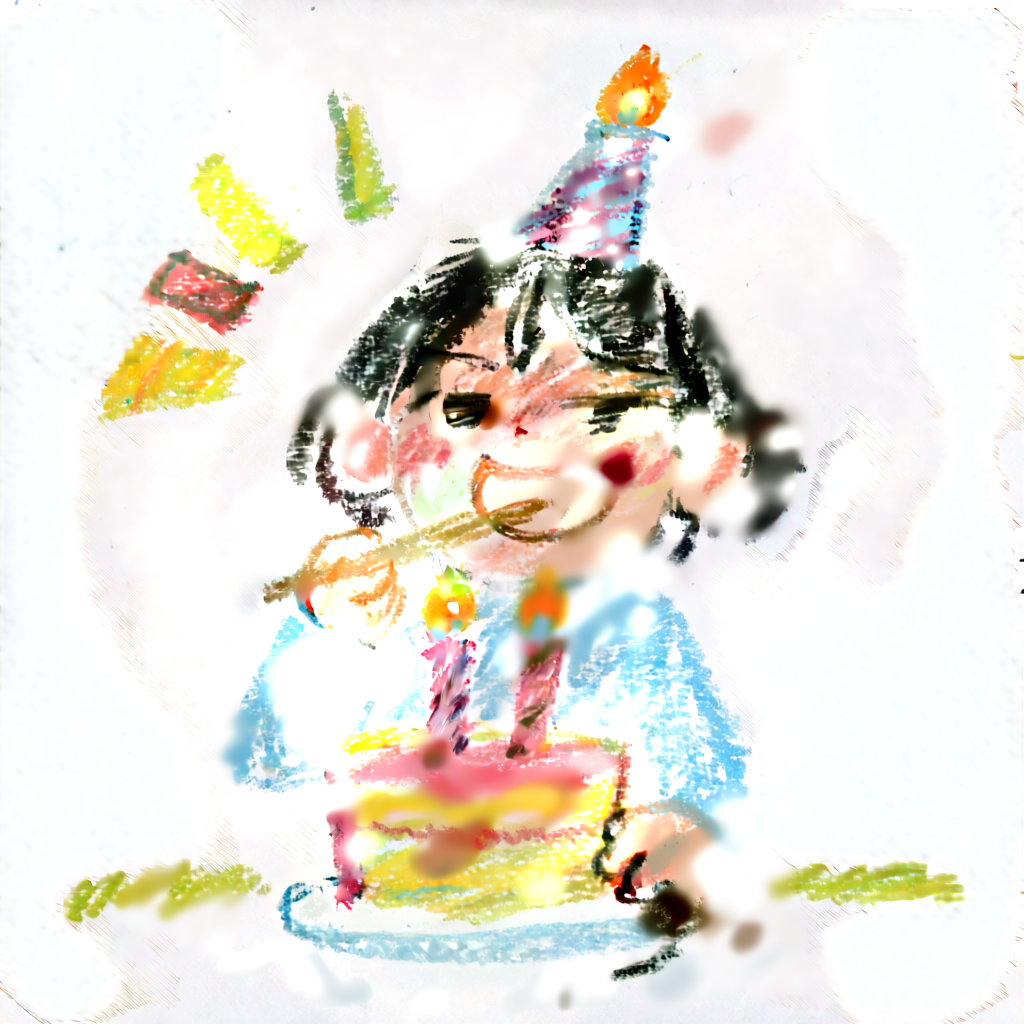
FREE AI ANIME IMAGE GENERATOR
Your imagination.
Your anime art.
Describe a character, scene and mood to create an AI image. Sign up with Google to make up to ten images a day with any active style.
Start with a prompt idea
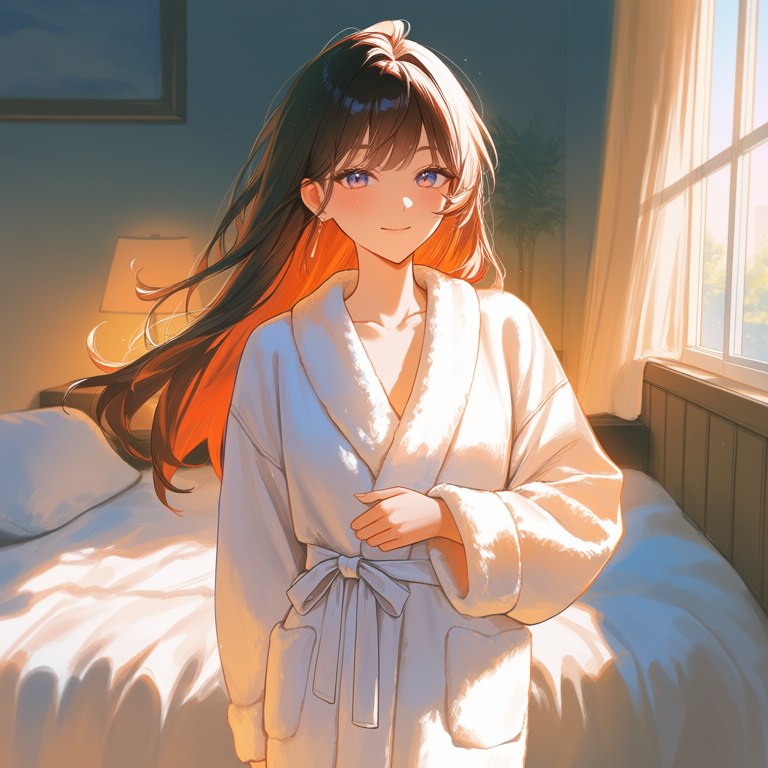
An original anime character with long brown hair and blue eyes beside a sunlit window, warm backlightGoogle sign-up required · Up to 10 images a day · Resets at midnight in Korea
If you have used today's allowance, you can create again after midnight in Asia/Seoul.
Which art style fits your idea?
From anime to watercolor. Compare the actual style references and find your look.
Swipe sideways to compare art styles.

Anime Illustrator
Anime character illustrations with delicate lines and vivid colors
Start creating for free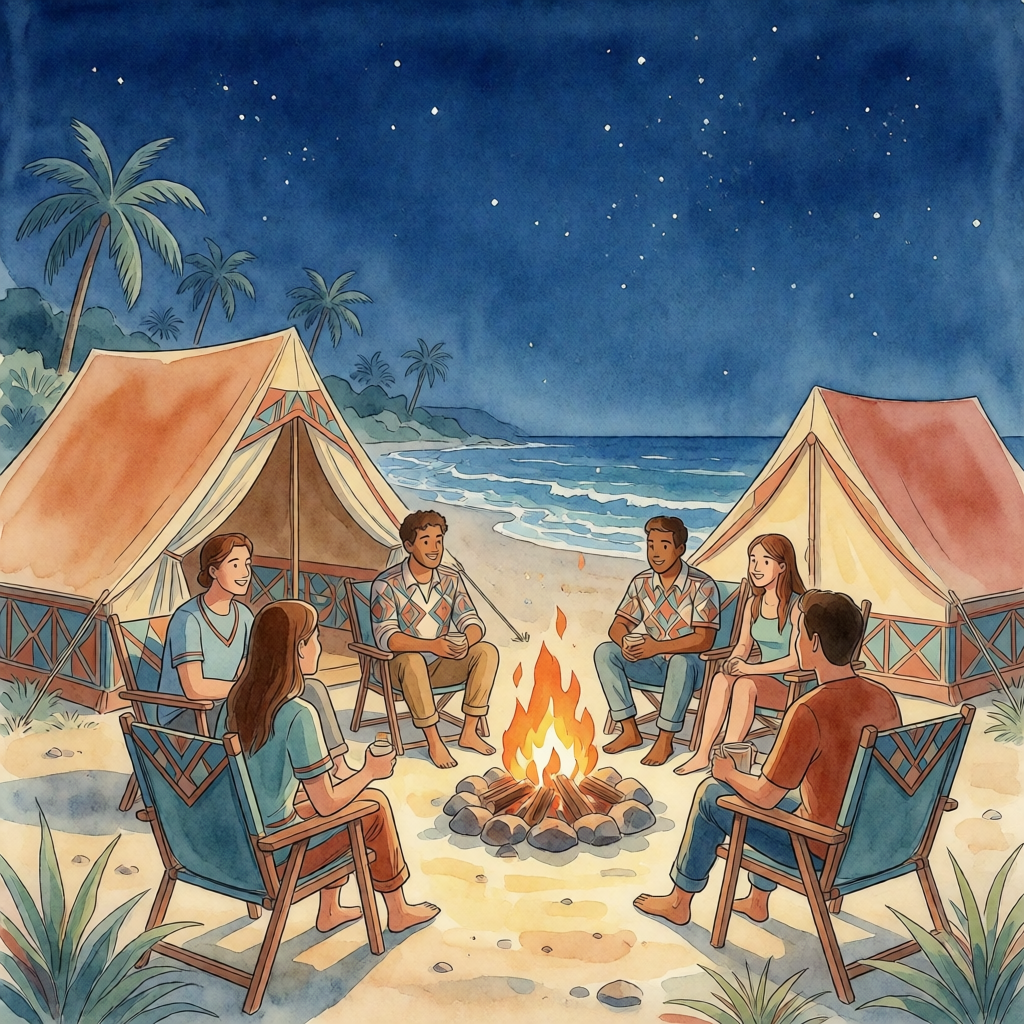
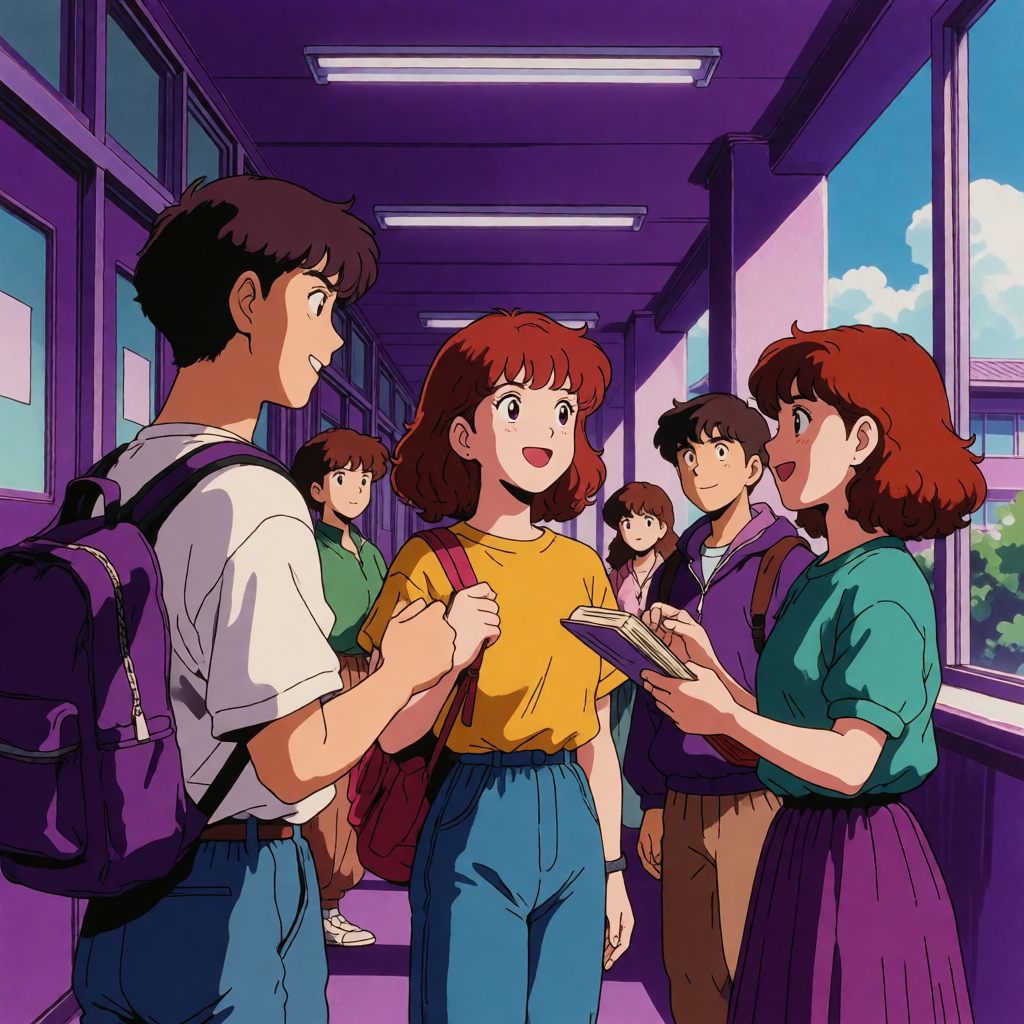
These are style references, not verified results of the prompts below. Your results will vary with your description.
How to turn words into a picture
Describe a scene
Write a sentence or two about the subject, setting, action and mood. For example: a cat reading beside a rain-covered window.
Choose from the style examples
Sign up with Google, then choose from the active drawing styles.
Create and revisit your pictures
When generation finishes, view the result and open the original image. Sign in with the same Google account on another device to access your history.
AI image prompt ideas for specific projects
Start with a subject, setting, lighting and composition. Adapt the prompts below to your own idea. Results depend on your description and selected style.
Create an AI anime character
Describe an original character's hair, clothes, expression and setting. Choose a close portrait, half-body or full-body composition. Active anime styles require Google sign-in.
Example: An original character with dark blue hair, a green jacket, at a rainy station, half-body view
Make an AI profile picture
Specify a face-centered composition, expression, background color and lighting. Keep the background simple so the subject stays clear at small sizes.
Example: A smiling original character portrait, pale blue background, soft window light
Generate a watercolor image
Pick one landscape or still-life subject, then describe the time of day and two or three main colors. Browse the watercolor reference and prompt tips for ideas.
Example: A small bench by a misty morning lake, pale green and sky blue, soft watercolor
Frequently asked questions
Can I generate AI images for free?
Google membership is required. Members can create up to 10 images a day, with the allowance resetting at midnight in Asia/Seoul.
Which styles can Google members use?
Google members can generate images in any active style. Anyone can browse the public style references without signing in.
Can I access my pictures on mobile and desktop?
Sign in with the same Google account to retrieve that account’s generation history. Existing guest records can be retained by upgrading to Google.
How should I write my prompt?
Start with the subject, setting, action and mood, then add the colors and composition you have in mind. Prioritize the most important details rather than adding too many instructions at once.
Where can I check image usage terms?
Read the service terms. Inputs and generated results may involve third-party rights. Check the applicable rights and conditions separately before commercial use.